
Your Junk Mail folder is an important part of your inbox. Yes, that’s where spam ends up, but sometimes critical communications do too. Check out our super handy email support guide on how to whitelist all of your important emails!
The Ultimate Junk Mail Support Guide – Made With ❤️ by Blue Ocean Interactive





Yes, You Read That Right
Isn’t junk supposed to be the folder you never need to check? It’s called junk, after all. What else would be in there?

The Invisible Inbox Culprit
It happens to the best of us. You’re expecting an important email from a colleague, a friend, or a company, and when it doesn’t show up in your inbox, you’re left scratching your head. Often, the culprit is your own email system, which mistakenly places these crucial messages into the junk or spam folder.
Why Does This Happen?
Email providers have built-in filters that aim to protect users from malicious or unwanted emails. However, these filters aren’t perfect. Sometimes, legitimate emails get marked as spam due to certain triggers – it could be a keyword, the sender’s reputation, or even the way an email is formatted.
Training Your Email: The Power of Whitelisting
Whitelisting means giving specific people, apps, or addresses a “trusted” status so they can access something without getting blocked by security filters. Instead of allowing everything by default, you only allow the items you know are safe. It’s a simple way to reduce risk and keep your systems more secure.
For emails, whitelisting means adding trusted senders to an approved list so their messages reliably reach your inbox and don’t end up in junk. It’s a quick way to ensure you always receive the updates, confirmations, and newsletters you actually want, without having to dig through spam folders.
By telling your email provider, “These ones are safe,” you get smoother communication and fewer headaches from misplaced messages. Here’s how to do it:
- Go to your Junk/Spam Folder: Find the email that shouldn’t be there.
- Mark it as ‘Not Junk’ or ‘Not Spam’: This action often prompts your email service to ask if you’d like to always trust emails from this sender. Confirm your choice.
- Add to Contacts: Some email services recognize your contacts as trusted senders. Add the email address to your contacts list as an additional measure.

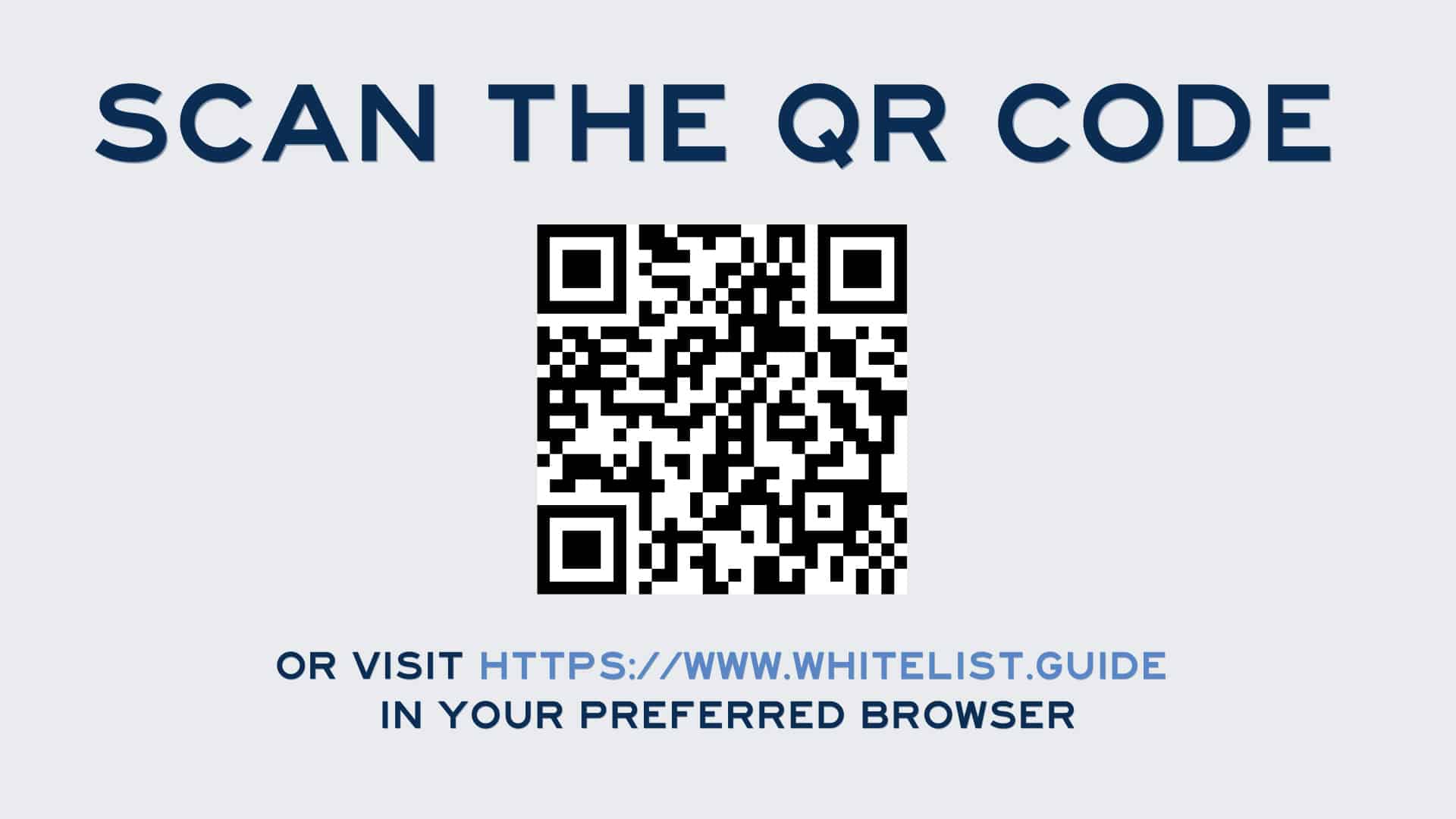
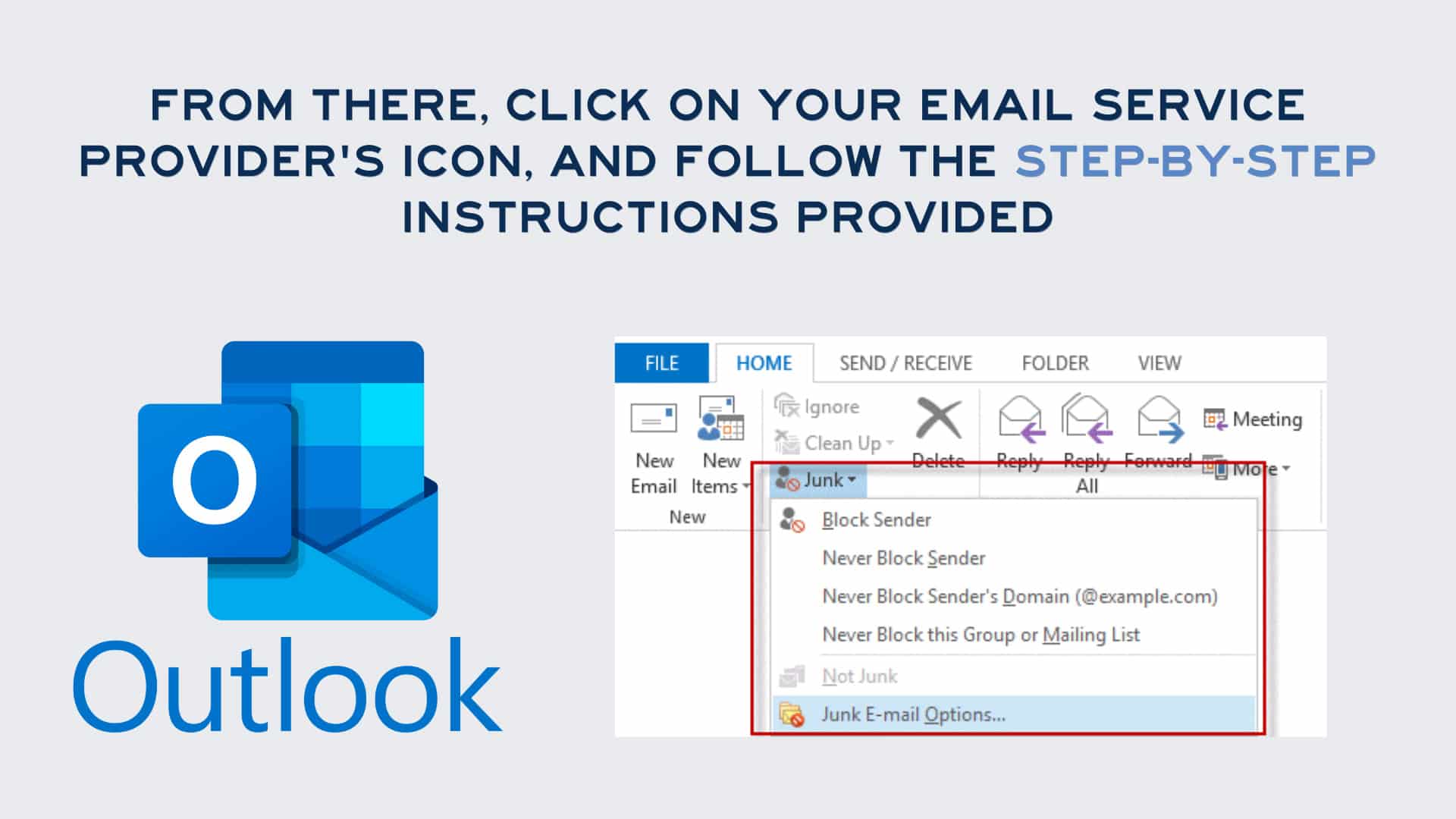
Don’t Miss Out on Important Emails
Adding trusted senders to your safe list helps ensure key updates, confirmations, and notifications land exactly where you’ll see them—your inbox. It prevents messages from getting lost in spam filters and keeps your communication flowing smoothly. By whitelisting, you stay informed, stay connected, and avoid the frustration of searching for emails that should have been easy to find.



Experience the Blue Ocean Difference
If you loved this quick guide, we have much more expertise where that came from. Blue Ocean understands the web better than just about anyone else. We know how to get you the results you’re after.
Looking to elevate your digital presence and ensure your emails reach their intended audience? Reach out to Blue Ocean Interactive Marketing today. Our team of experts can help you navigate the world of digital marketing, ensuring you make a splash in the vast ocean of the online world. Dive in with us today!
